Express Entry Guide · Updated October 2026
IRCC Web Form: When to Use It, What to Write and How Long a Reply Takes (Real Cases)
It is the one channel that reaches your file after you apply. Used well, it keeps your application accurate. Used badly, it gets you a template reply and nothing else.
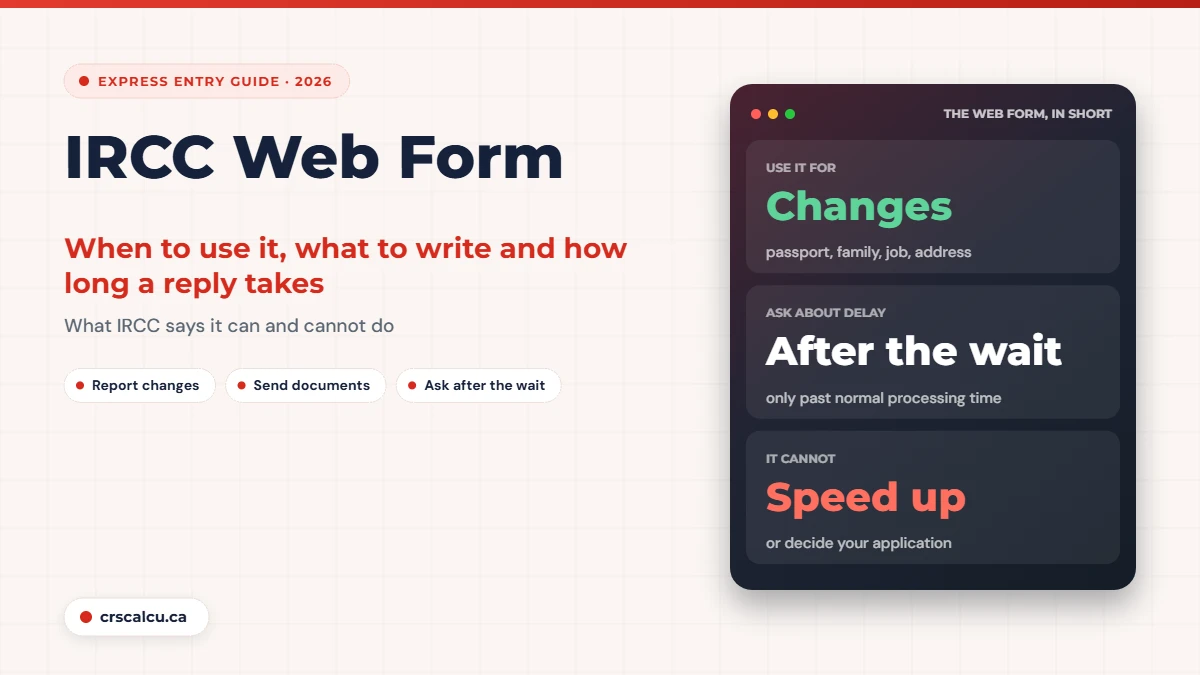
The IRCC web form is the front door for almost everything you need to tell IRCC after you have applied. A new passport, a baby, a job change, a document that would not upload, a file that has gone quiet for eight months: they all go through the same online form.
Because it is the only door, people lean on it too hard. Applicants send one every week hoping to nudge a file along, or send none at all when something important has changed because they are afraid of drawing attention. Both are mistakes, and the official page is clearer about this than most people expect.
We read IRCC’s web form page, the Help Centre answer on updating an application in progress and the instructions for sending requested documents, along with six public forum threads from 2019 to 2024 about reply times, template answers and whether web forms are read at all.
Quick answer: what is the IRCC web form for?
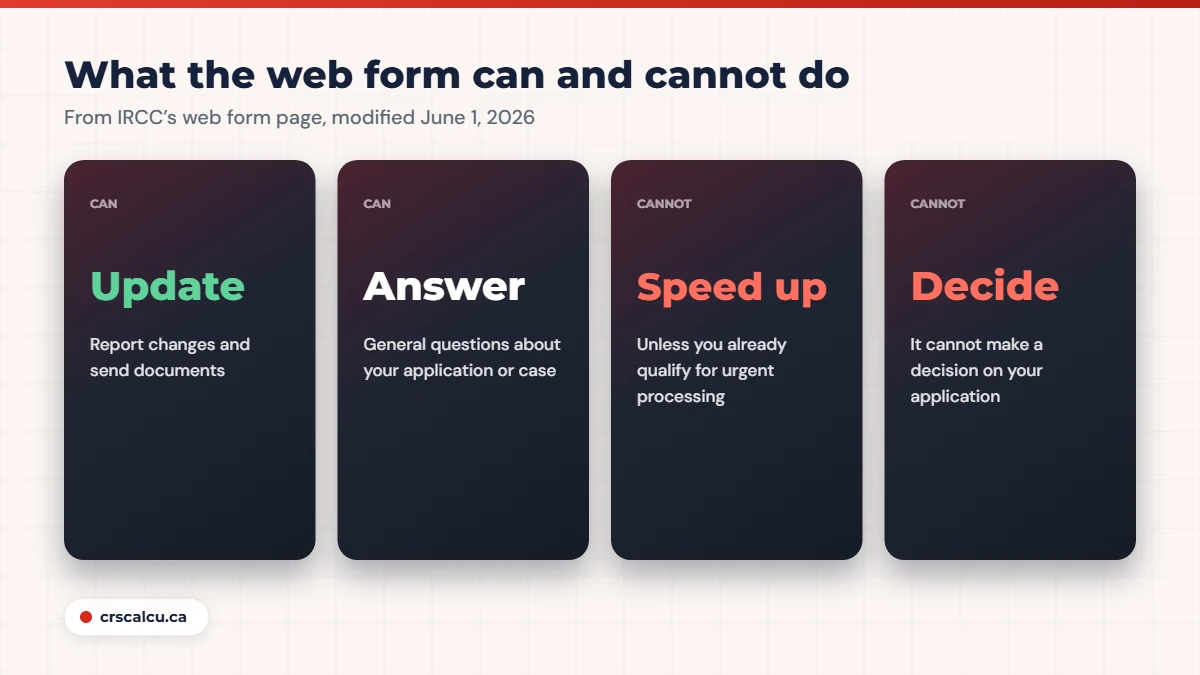
IRCC’s page (modified June 1, 2026) says you can use it to get answers about your application, check status, update your application or send documents, report technical problems and ask about programs. It says the form cannot speed up processing unless you already qualify for urgent processing, and that you should ask about your case only if it is over the normal processing time. Sending several forms will not make things faster. Have your application number and UCI ready. For what counts as “normal”, see Express Entry processing time.
Key takeaways
What IRCC says the web form can and cannot do
The official page is short and unusually direct. It lists what the form is for and, just as usefully, what it is not for.
You can use it to | It cannot |
|---|---|
Get answers to general questions about your application or case | Advise you on which program to apply for |
Check your application status | Speed up processing, unless you already qualify for urgent processing |
Update your application, including sending documents | Make a decision on your application |
Report a technical problem | Work faster because you sent several forms |
Ask about programs or services, or give feedback |
Our summary of “IRCC web form: Contact us online” (modified June 1, 2026), read on October 5, 2026.
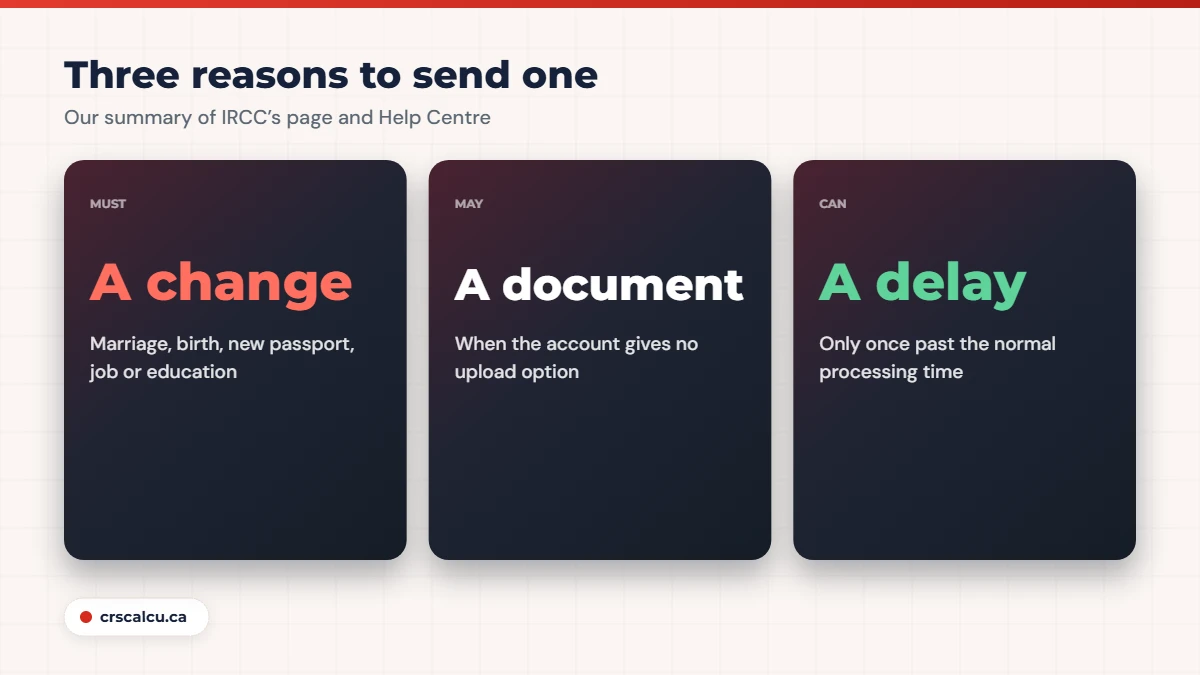
The Help Centre answer “How can I update or ask about an IRCC application in progress?” (modified April 17, 2026) fills in the “update” part. It says to use the web form to report changes such as a marriage, a birth, a new passport, or changes that affect your eligibility, like your job or education. It also says not to send changes to your contact or application information by mail, because that may delay processing.
When you must use it: reporting changes
This is the use that protects you. An application is supposed to stay true while it is being processed. If something you declared is no longer accurate, IRCC expects to hear about it, and the web form is how.
Changes to report through the web form
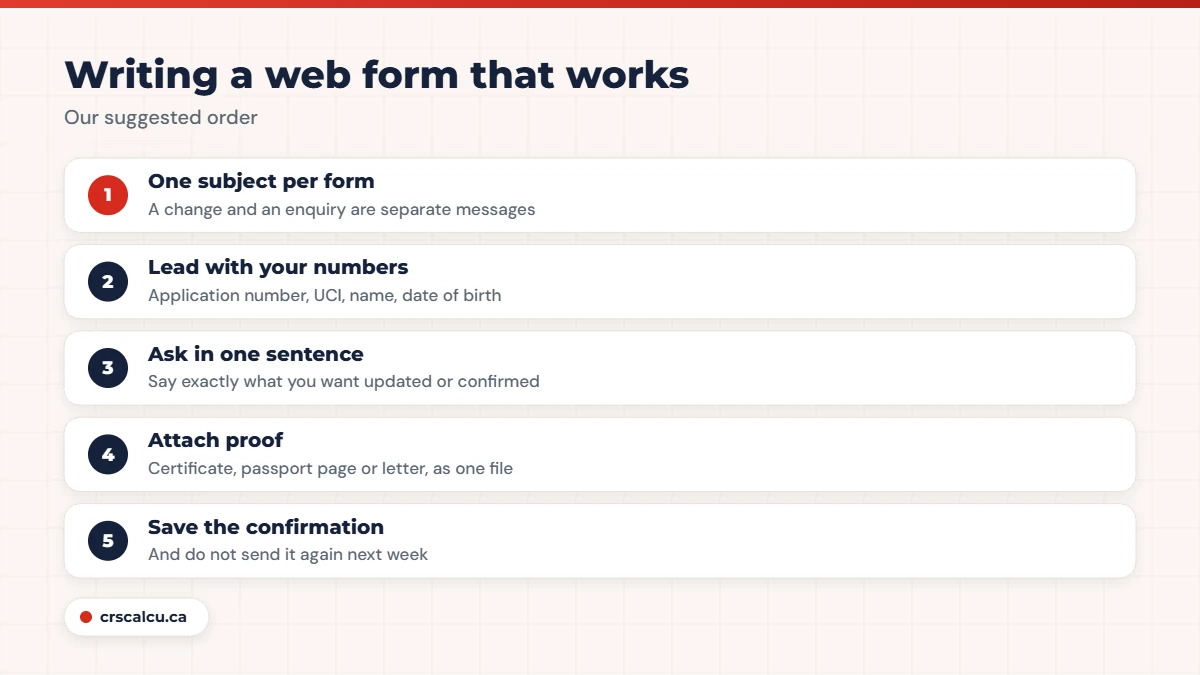
Attach proof with the first message: the certificate, the new passport page, the employer’s letter. A short letter of explanation that says what changed, on what date, and what you are attaching saves a second round.
When you may need it: sending documents
If IRCC asks for a document, the normal route is the upload slot in your account. IRCC’s instructions for requested documents say to follow the request, and the Help Centre says that if the account gives you no way to upload, you should tell IRCC through the web form and attach the documents and screenshots. We go through that in additional document request.
Real case: sent by web form, account still said “action required” (June 2021)
An applicant had done an upfront medical, yet IRCC emailed asking for medical results again. With no upload option in the account, they sent the proof by web form. Two weeks later the status still read “your action required”, and they worried the form had been missed with a 30-day deadline running. Members replied that web forms are logged: one said every form they had sent showed up later in their file notes. Others explained that documents sent this way do not appear in the account, and that IRCC may update the file without replying. No final outcome was reported.
That is uncomfortable but normal. A document sent by web form does not light anything up in your account. Keep the confirmation and a copy of what you sent.
When you can ask about a delay
IRCC’s page puts a condition on case enquiries: contact them about your case only if it is over the normal processing time. If you are inside that time, the answer you would get is that the file is in process.
Real case: seven months in, a standard reply, then approval (August 2019)
An applicant whose application had been acknowledged in early January 2019 had no passport request after seven months and sent a web form. The reply was standard wording: the application was still in process and all required documents and information had been received. Another applicant with a late-January acknowledgment had received much the same, with a line about forwarding the enquiry to the responsible office. On August 31, 2019, the original poster reported the passport request had arrived, about eight months after the acknowledgment.
Nobody in that thread could say whether the enquiry helped. What it did do was confirm that nothing was missing, which is worth knowing at month seven. If a standard reply is not enough, the next step is your file notes: see GCMS notes for Express Entry.
What to have ready, and how to write it
IRCC’s page says to have your application number and your unique client identifier, the UCI, ready. Both are on the letters IRCC has sent you; the AOR in Express Entry is the first place to look. For people who have not applied yet, the page gives placeholders: 0000000 for the application number and 1111111111 for the UCI.
Our suggested way to write a web form
Write it so it can be filed without a reply
Many web forms are acted on silently. If your message contains everything needed to update the record, with the document attached and the change clearly dated, it has done its job whether or not anyone writes back.
How long a reply takes
IRCC’s page does not give a reply time, so this is applicant experience.
Real case: two days, two weeks, two months (May to June 2023)
A poster who had sent a web form about a delayed study permit asked on day three how long replies take. Answers ranged widely. One member said to expect up to a month, or two weeks with luck. One had waited about two months across several forms. Two others had replies within two days. The original poster came back in mid-June to say their reply had arrived after two weeks.
Real case: no acknowledgment email, then one a day later (February 2024)
An applicant in Canada sent a web form and did not receive the automatic acknowledgment email they expected within a couple of days. They wondered whether the form had gone through. A member confirmed that such an email normally arrives and suggested waiting another day or two and checking the spam folder. The poster reported receiving it the next day. Others posting a few months later described delays or no acknowledgment at all.
So: an automatic acknowledgment within a few days in most cases, and a human reply anywhere from two days to two months, if one comes. A 2021 thread adds that members understood IRCC might not reply at all to enquiries about files still inside the normal time.
Do multiple web forms slow things down?
IRCC’s own wording is that submitting multiple forms will not speed things up. Applicants go further.
Real case: “will a web form delay my application?” (June 2021)
An applicant about to send transcripts and a school letter by web form asked whether it would slow their file. Replies said it depends on the document and on where the file is in review, and that one well-prepared submission is fine. A member warned against sending forms repeatedly and described a case where weekly forms seemed to stretch a one-month process to two. A later poster who had sent a revised document by web form reported a passport request afterwards with no obvious delay.
We cannot verify the claim that repeated forms cause delay; it comes from applicants, not from IRCC. But there is no report anywhere in these threads of repeated forms helping, and IRCC says plainly that they do not.
Six mistakes people make with the web form
Six mistakes from the rules and the threads
The web form matters once you have an application in process. If you are still in the pool, changes go into your profile instead, and the thing to watch is your score: check it with the CRS calculator against the latest draw cut-offs.
Frequently Asked Questions
What is the IRCC web form used for?
IRCC says you can use it to get answers about your application, check your status, update your application or send documents, report technical problems, ask about programs and give feedback.
Can the web form speed up my application?
No. IRCC’s page says the form cannot speed up processing unless you already qualify for urgent processing, and that sending multiple forms will not speed things up.
When can I ask about my application status by web form?
IRCC says to contact it about your case only if it is over the normal processing time. Before that, use your account to check status.
How long does IRCC take to reply to a web form?
IRCC does not publish a time. Applicants on public forums reported replies between two days and two months, with about two weeks being common, and some enquiries received no individual reply.
What do I need to fill in the web form?
Your application number and your unique client identifier (UCI), both found on IRCC letters. If you have not applied yet, IRCC says to enter 0000000 as the application number and 1111111111 as the UCI.
Should I report a new passport or job through the web form?
Yes. IRCC’s Help Centre says to use the web form to report changes such as marriage, a birth, a passport update, or changes to your job or education that affect eligibility. Attach proof.
Not applied yet? Your profile is where changes go
Before an invitation, keep your profile current and watch your score. See how it compares with recent cut-offs.
Final Thoughts
The IRCC web form does two jobs well: it keeps your file accurate when your life changes, and it lets you ask a fair question once a file is past the normal time. It does not move a file faster, and IRCC says so on the page. One clear message with proof attached is worth more than five anxious ones.
If the change you need to report could affect your eligibility, for example losing the job your application depends on, or if you need to correct something that was wrong when you applied, speak to a licensed consultant or lawyer before you send it. The wording of that message matters.